Decky Loader is a free, open-source plugin loader that adds extra features to the Steam Deck’s Quick Access Menu. You install it once from Desktop Mode, and after that you can add plugins without leaving Game Mode.
How this post was made: researched and written with Claude, an AI assistant, checked against the sources linked in this post, and overseen by Nersing Pradhan. How we make NP Handhelds
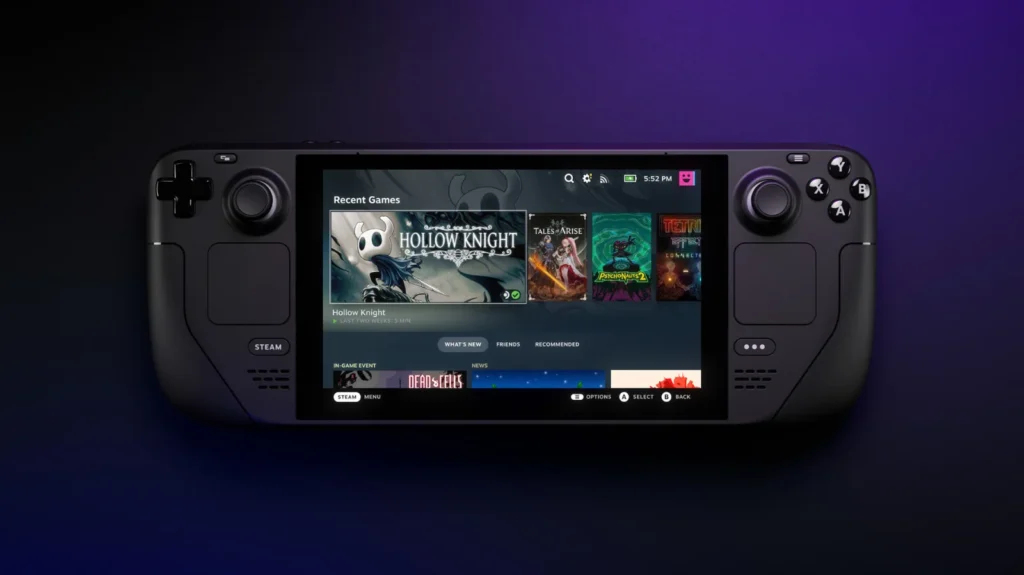
This guide covers the install, the plugins worth trying first, and what to do when a SteamOS update breaks it.
What Decky Loader does
SteamOS doesn’t let you add features to its menus. Decky Loader adds a plug icon to the Quick Access Menu (the ••• button) with its own plugin store. Plugins can change game artwork, tweak performance, swap system sounds, show a game’s ProtonDB rating and more.
Decky is made by the community, not Valve. It has been around since 2022 and is widely used, but treat it like any third-party software: install plugins you trust and keep them updated.
Before you start
- Set a password. Decky needs administrator access to install. If you’ve never set a password on your Deck, switch to Desktop Mode, open the Konsole app, type
passwdand follow the prompts. Pick something you’ll remember. - Update SteamOS first. Install any pending SteamOS update before you install Decky, so you start on the current version.
- A mouse helps. The right trackpad works as a mouse in Desktop Mode, but a USB or Bluetooth mouse makes it quicker.
How to install Decky Loader
- Press the Steam button, go to Power and choose Switch to Desktop. New to the desktop? Our Desktop Mode guide covers the basics.
- Open a web browser and go to the official site, decky.xyz.
- Click Download to get the installer file,
decky_installer.desktop. - Open your Downloads folder and double-click the file. If you’re asked whether to run it, choose Continue or Execute.
- Choose the release (stable) version when the installer asks, then enter your password.
- Wait for the installer to finish, then double-click Return to Gaming Mode on the desktop.
Back in Game Mode, press the ••• button. You should see a plug icon at the bottom of the Quick Access Menu. That’s Decky.
The plugins worth installing first
Open the plug icon, then the shopping bag icon to browse the plugin store. These are useful from day one:
- ProtonDB Badges adds a ProtonDB rating to each game’s page, so you can see how well an unverified game is likely to run.
- SteamGridDB lets you change the artwork of any game in your library. It’s ideal for non-Steam games and emulators that show up with blank tiles.
- PowerTools gives finer control over CPU cores and clock speeds. Most people won’t need it, but it can stretch battery life in older games. Start with the built-in options in our performance settings guide first.
- CSS Loader applies themes to the Steam Deck interface, from small tweaks to full redesigns.
- Animation Changer swaps the boot and suspend animations for community-made ones.
- HLTB for Deck shows HowLongToBeat completion times on game pages.
Install one or two at a time. If something misbehaves, you’ll know which plugin caused it.
What to do after a SteamOS update
Big SteamOS updates sometimes break Decky, and the plug icon disappears. Your plugins and settings are still there. To fix it:
- Check the Decky Loader site for news. The developers usually release a fix within days of a major update.
- Switch to Desktop Mode and run
decky_installer.desktopagain. Reinstalling keeps your plugins. - If one plugin stops working, update it from the store, or remove it until its developer catches up.
How to remove Decky Loader
Follow the uninstall instructions on Decky Loader’s GitHub page, linked from decky.xyz. A factory reset also removes it, along with everything else on the internal drive.
Frequently asked questions
Is Decky Loader safe?
It’s open source and widely used, but it isn’t made or checked by Valve. Plugins in the official Decky store are reviewed by the Decky team before they’re listed, so stick to the store rather than installing plugins from random links.
Can Decky Loader get me banned?
Decky changes the Steam Deck interface, not your games. We’re not aware of anyone being banned from Steam for using it. Still, avoid any plugin that changes how online games run.
Does Decky Loader void the warranty?
No. It’s software that you can remove at any time, and it doesn’t touch the hardware.
Does Decky Loader work on the Steam Deck OLED?
Yes. It works the same way on the LCD and OLED models.
Want to see these plugins in action? Watch our videos on the NP Handhelds YouTube channel.