Short answer: test the stick, recalibrate it in Settings, then raise its deadzone a little. If the drift comes back, clean the stick, and if it still drifts, replace the thumbstick or contact Steam Support if your Deck is under warranty.
How this post was made: researched and written with Claude, an AI assistant, checked against the sources linked in this post, and overseen by Nersing Pradhan. How we make NP Handhelds
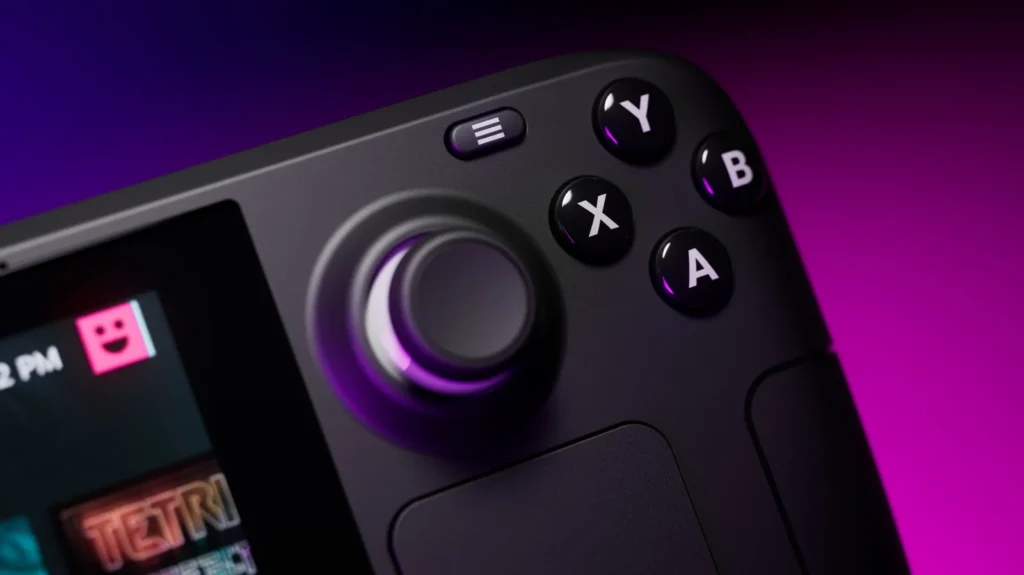
Stick drift is when a thumbstick reports movement you aren’t making: the camera slowly turns, or your character creeps forward on its own. Like any controller with analog sticks, the Steam Deck’s sticks can wear or pick up dirt over time. Most cases can be fixed without opening the Deck.
Step 1: Check that it really is drift
Go to Settings, then Controller, and open Test Device Inputs. Leave the sticks alone and watch the stick indicators. If one moves away from the center while you aren’t touching it, that stick is drifting.
If the sticks look fine here but drift in one game, the problem is probably that game’s deadzone setting rather than the hardware.
Step 2: Recalibrate the sticks
- Go to Settings, then Controller, then Calibration & Advanced Settings.
- Choose the calibration option for the drifting stick.
- Follow the prompts: move the stick around its full range, then let go so it can learn the center.
Test again afterwards. Recalibrating fixes mild drift caused by the stick’s resting position shifting.
Step 3: Increase the deadzone slightly
The deadzone is the small area around the center that the Deck ignores. In the same Calibration & Advanced Settings menu, raise the deadzone for the drifting stick a little at a time until the drift stops. Don’t go too far, or small movements, like fine aiming, stop registering.
You can also set a deadzone for a single game: press the Steam button in game, open Controller Settings, choose the stick and adjust its deadzone there.
Step 4: Clean the stick
Dust and grime under the stick can cause drift.
- Shut the Deck down completely.
- Blow short bursts of compressed air around the base of the stick while you move it in circles.
- If that doesn’t help, dampen a cotton swab with a little isopropyl alcohol and run it around the gap at the base of the stick, moving the stick as you go. Use very little, and let it dry fully before you switch the Deck on.
Step 5: Replace the thumbstick
If the drift keeps coming back, the stick is worn and needs replacing. The thumbstick is a replaceable part. iFixit sells replacement thumbsticks with step-by-step guides. Make sure the part matches your model, LCD or OLED. Third-party sticks, including Hall effect designs that don’t wear the same way, are also sold, but check reviews and compatibility first.
The job means opening the back of the Deck. It’s similar in difficulty to upgrading the SSD: take your time, keep track of the screws and disconnect the battery as the guide shows.
Check your warranty first
If your Deck is still under warranty, contact Steam Support before opening it. A drifting stick on a newer Deck may be repaired or replaced, and damage caused during a home repair may not be covered.
Frequently asked questions
Does recalibrating fix drift for good?
It fixes drift caused by a shifted center point. If the stick itself is worn, the drift comes back, and cleaning or a replacement is the real fix.
Can the Steam Deck OLED get stick drift?
Yes. Any analog stick can drift with wear or dirt, on either model.
Will opening my Deck void the warranty?
Valve doesn’t stop you from repairing your Deck, but damage you cause during a repair may not be covered. If your Deck is under warranty, ask Steam Support first.
Is a bigger deadzone bad for games?
A small increase is barely noticeable. A large one makes fine movements, such as aiming, less precise, so raise it only as far as you need to.
Watch our repair and setup videos on the NP Handhelds YouTube channel.